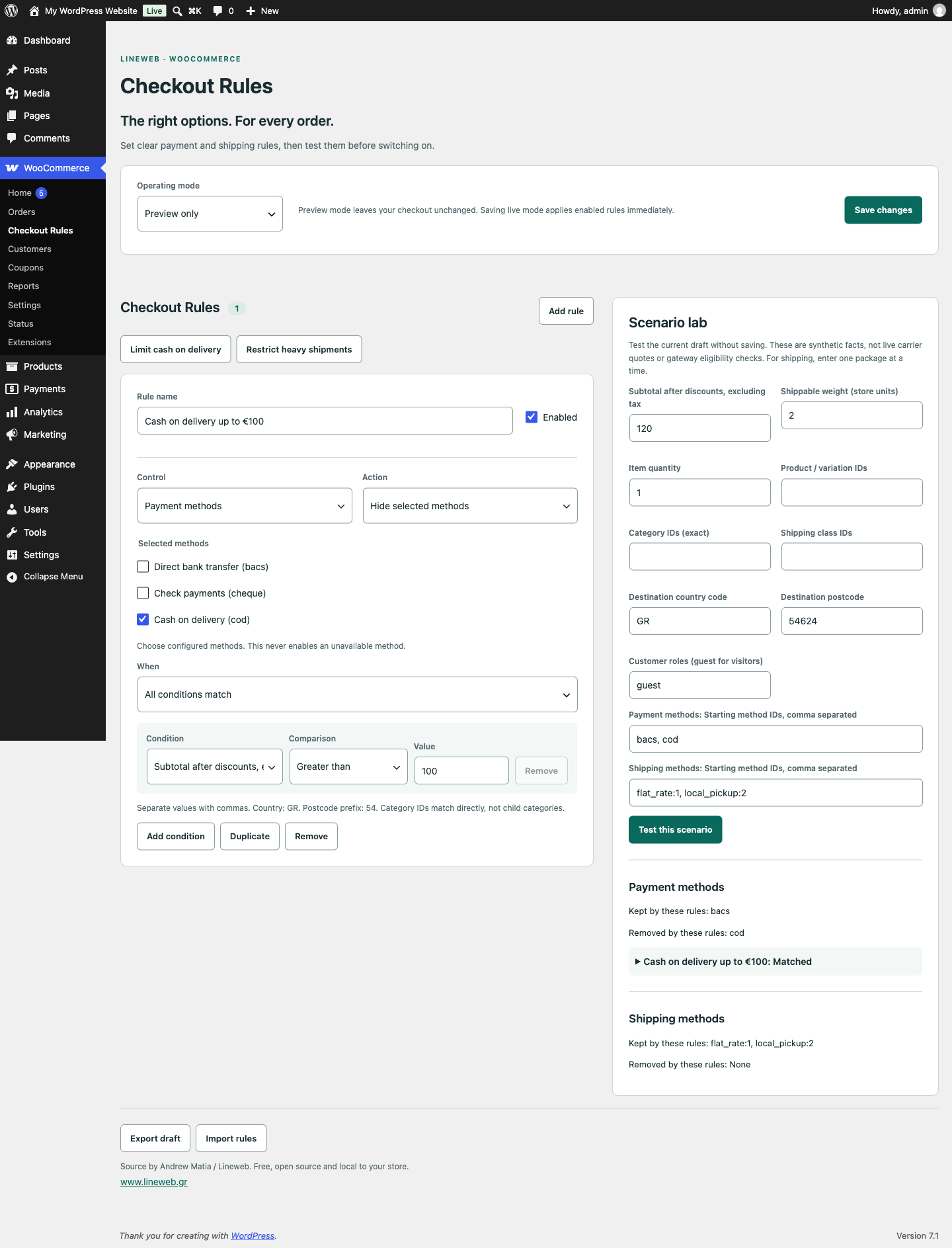
WooCommerce Release 1.0.1
Payment and shipping rules for WooCommerce
A free WooCommerce plugin for checkout rules and available payment and shipping methods, with simulation before activation.
Lineweb Checkout Rules for WooCommerceExplore the tool ↗
WooCommerce · GitHub · Source
Capture a reference point before an update and see what changed in your store's key settings. A supplementary tool for developers and maintenance teams that want a clearer change-review process.
Source code archive. Follow the repository instructions before installation.
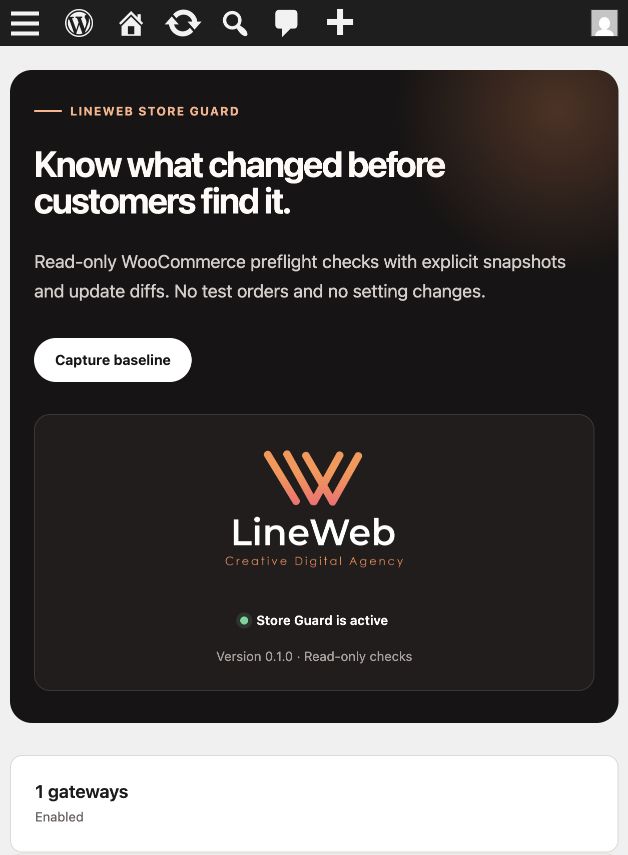
Practical features
Checks for versions, Cart/Checkout pages and core Store API routes.
Records active gateways, shipping methods, HPOS and template overrides.
A manual baseline and before/after history for updates through the WordPress upgrader.
WP-CLI: wp lineweb store-guard check --format=json.
From download to use
This is not a backup, rollback, uptime monitor or transaction test. It does not change orders or WooCommerce settings; it stores only its own snapshots.
Test on staging first and keep a restorable backup. Read the README and licence in the public repository for current instructions.
public repositoryA common question
No. These checks cover state and configuration. You still need to test cart, payment, shipping and email flows.
WooCommerce Release 1.0.1
A free WooCommerce plugin for checkout rules and available payment and shipping methods, with simulation before activation.
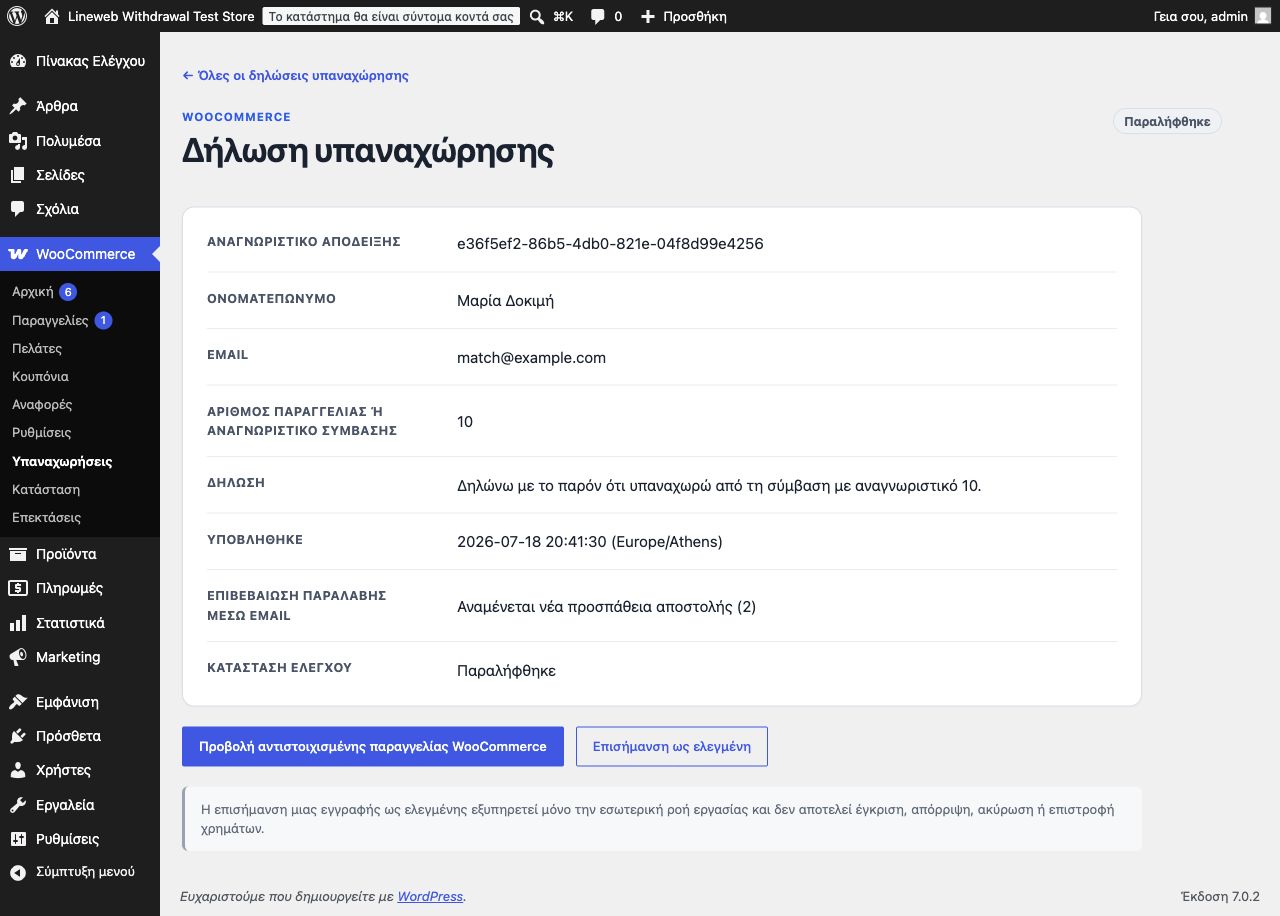
WooCommerce WordPress.org
A free, login-free WooCommerce withdrawal form with two-step confirmation, timestamps, request search and CSV export.
Built by LineWeb
The code is public. Choose what you need, read the instructions and try it in your own environment.
Report reproducible issues through the relevant project channels. For a tailored installation or customisation, talk to us.
Contact LineWeb ↗Free software does not include hosting or custom implementation services.