PWA or native app: which should your business build?
An icon on a phone is not the goal. The goal is a customer or colleague completing a useful task, wherever the work happens.
Start with the workflow. An installable web app, or PWA, can suit staff tools, customer portals and repeat tasks already built around the web. Consider a dedicated mobile app when distribution, device integration or background work requires it. Validate those requirements on the intended devices before choosing the build.
Choose the application around the work, not the other way round.
Three questions before committing to an app
Compare the same business journey, not two feature lists.
How will people access it?
A web app can start from a link, with installation where supported. Decide whether app-store discovery matters or whether your team already knows where to sign in.
What must the phone do?
List camera, scanning, location and notification needs. Test critical actions and permissions on actual devices; browser and operating-system support can differ.
What happens without a connection?
Decide what people can view, save and submit offline. Agree how they know an update reached the office and how conflicting changes are resolved.
Follow the work from the phone back to the team
For example, a technician might open an assigned job, add photos and send an update to the office. Test that complete journey, including a lost connection, before expanding the feature list. The office should know whether an update was received or still needs attention.
Budget for more than the first screens
Include the business system behind the app, access permissions, device testing, updates and support. For store-distributed apps, include release preparation and ongoing store requirements. Existing accounts and business processes may be reusable, but check what needs adapting. Have the people who will use the app review a small working pilot before committing to a wider rollout.
Maintherm: the technician's working day on mobile
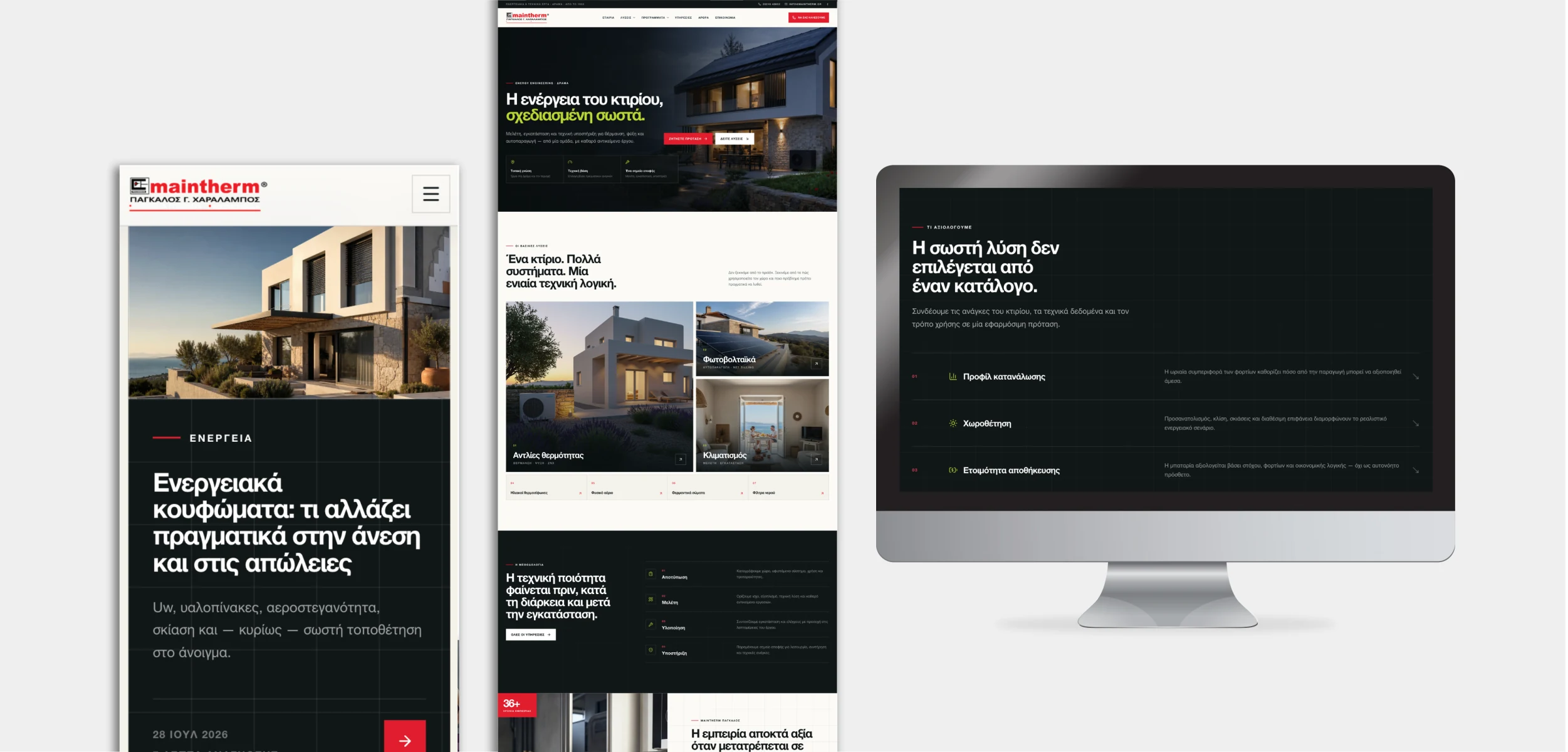
Our Maintherm platform includes an installable technician web application for assigned projects, checklists, notes, private photos and submission back to the office. It connects mobile work to the wider business system, showing how an app can serve a defined operational role.
Explore the Maintherm platform Explore our mobile application servicesClear answers, without the jargon.
01Does a PWA need an app-store download?+
It can be used from a link, with installation where supported. Store distribution is a separate decision, not a requirement for every web app.
02Does installable mean it works offline?+
No. Offline behaviour must be designed for the specific tasks and data. Installation alone does not make bookings, stock or submitted work available without a connection.
03Is a PWA always cheaper?+
No. Costs depend on the workflow, integrations and support. A shared web experience can reduce duplicated work, but critical device requirements may justify a dedicated app.

Andrew Matia - LineWeb
Founder of LineWeb. I write about the practical side of websites, systems, automation and search: the decisions that make a business easier to run and clearer to find.
Read the founder storyWhat should your team or customers do on mobile?
Tell us the task, the devices people use and your existing systems. We will help choose a suitable approach and define the first release.