Online booking system or contact form: which does your business need?
A booking button does not create a booking system. The right choice depends on whether customers can select a real slot or resource, and whether your team can honour that choice without checking everything again.
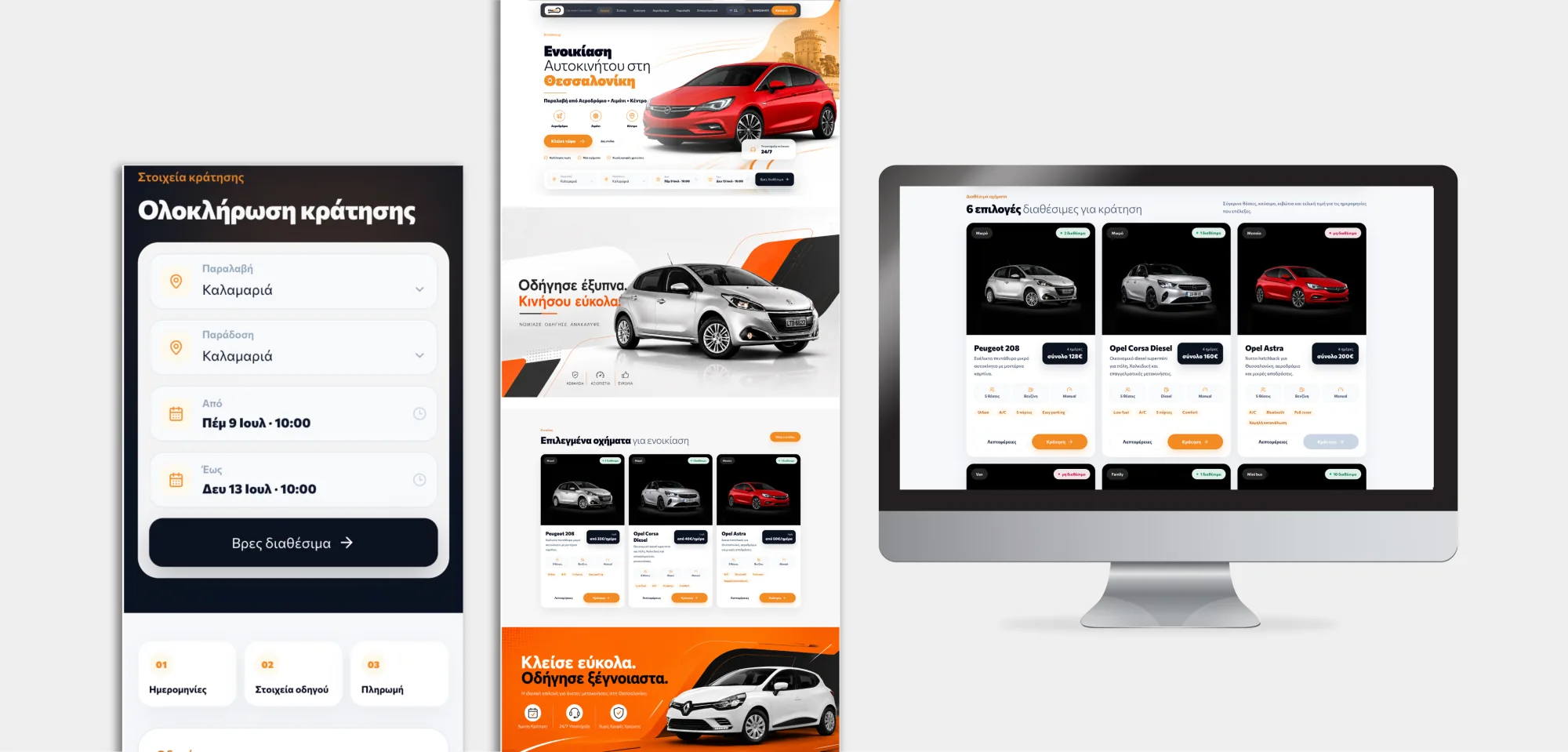
A contact form starts a conversation. A booking system makes a commitment. If your team must check availability or scope before confirming, keep the request honest. If customers can see real availability and reserve confidently, make that step effortless.
An enquiry asks whether the business can help. A booking tells the customer that a defined commitment has been accepted.
Decide what the customer can actually confirm.
The distinction is operational, not a choice between two button labels.
A reliable source of availability
Know which calendar, staff member, vehicle or other resource is free before presenting a slot as bookable.
Clear booking rules
Define duration, lead time, buffers, locations, payments and cancellation conditions that apply to the service.
A real confirmation
Tell the customer when a request is pending, when it is accepted and what happens if payment or availability changes.
Keep the conversation where the work cannot yet be scheduled
A form is useful when the business still needs to understand the job.
For complex work, ask only for the details needed to make a responsible next step: service type, location, preferred timing and a short description. A customer should not have to choose a precise slot before the team knows the duration, travel or resources involved.
Make self-service depend on the real operation
Online booking becomes useful when the service is repeatable and the customer can choose from genuinely available options. A useful flow checks the relevant resource, applies scheduling rules and records the result in the same operational view used by staff. Phone and walk-in reservations need to reach that view too, or online availability can drift away from reality.
Start with the smallest system that can keep its promise
If a simple calendar page handles one service and one schedule, an established booking tool may be enough. Evaluate its ongoing price, administration, accessibility, language support and the way it handles exceptions before replacing it. Custom software becomes more defensible when availability spans several resources, locations, prices or operational steps that generic tools cannot represent cleanly.
See the DriveThess booking platform
Customers find a car, choose dates and complete a reservation while the team manages availability and bookings behind the scenes.
Explore DriveThess Explore custom softwareClear answers, without the jargon.
01Is a contact form the same as online booking?+
No. A contact form collects a request for a person to assess. Online booking should offer defined availability and clearly record whether the reservation is confirmed or still pending.
02When is a calendar booking link enough?+
It can be enough for a straightforward appointment with clear duration and one dependable schedule. Check buffers, calendar conflicts and confirmation settings before presenting it as live availability.
03Do we need a custom booking system?+
Not automatically. Start with existing tools and the actual workflow. Custom development makes sense when resource, pricing or operational rules cannot be handled reliably by a simpler product.
04Should customers pay before a booking is confirmed?+
That depends on the service and policy. If payment is required, explain whether a reservation is held, pending or confirmed and what happens when payment fails or the customer cancels.

Andrew Matia - LineWeb
Founder of LineWeb. I write about the practical side of websites, systems, automation and search: the decisions that make a business easier to run and clearer to find.
Read the founder storyDoes your website collect requests or confirm real bookings?
Show us how availability is checked today, which requests need a person and where customers wait for confirmation. We can assess whether a better form, an existing booking tool or a custom system is the right next step.