Contact form emails not arriving? What should your business check?
If customers say they contacted you but your inbox is empty, check the delivery path before assuming enquiries have stopped.
First, check whether the request was saved. Then check the sending account, recipient address and delivery status. A thank-you message alone does not prove inbox delivery. The priority is to recover available enquiries and fix the point where new ones stop reaching your team.
A submitted enquiry deserves more than a message that says sent.
Follow the request through three steps
Find the missing step before replacing the form or adding another tool.
The submitted request
Check whether the form keeps saved entries or sends requests to a CRM. If it does, look for the missing enquiry there.
The sending service
Confirm the website can send through the configured account. Review sender authentication, delivery failures and any recent hosting or email changes.
The receiving mailbox
Verify the destination address, spam folder, mailbox capacity and filtering rules. An email can leave the website without reaching the expected inbox.
Send as your business, reply to the customer
A form should use a sender authorised for your business, rather than pretending to send from the visitor's email address. Replies can still go to the visitor. Ask your developer to check the sending service and domain authentication together. Installing an SMTP plugin alone does not establish that messages arrive.
Email should notify, not hold the only copy
Where appropriate, save the enquiry securely before sending its notification. Give the team a place to review requests and a way to notice failed delivery. Test the complete flow after a repair or provider change. Agree the investigation scope, any sending-service fees and who checks future failures, rather than paying for another disconnected tool.
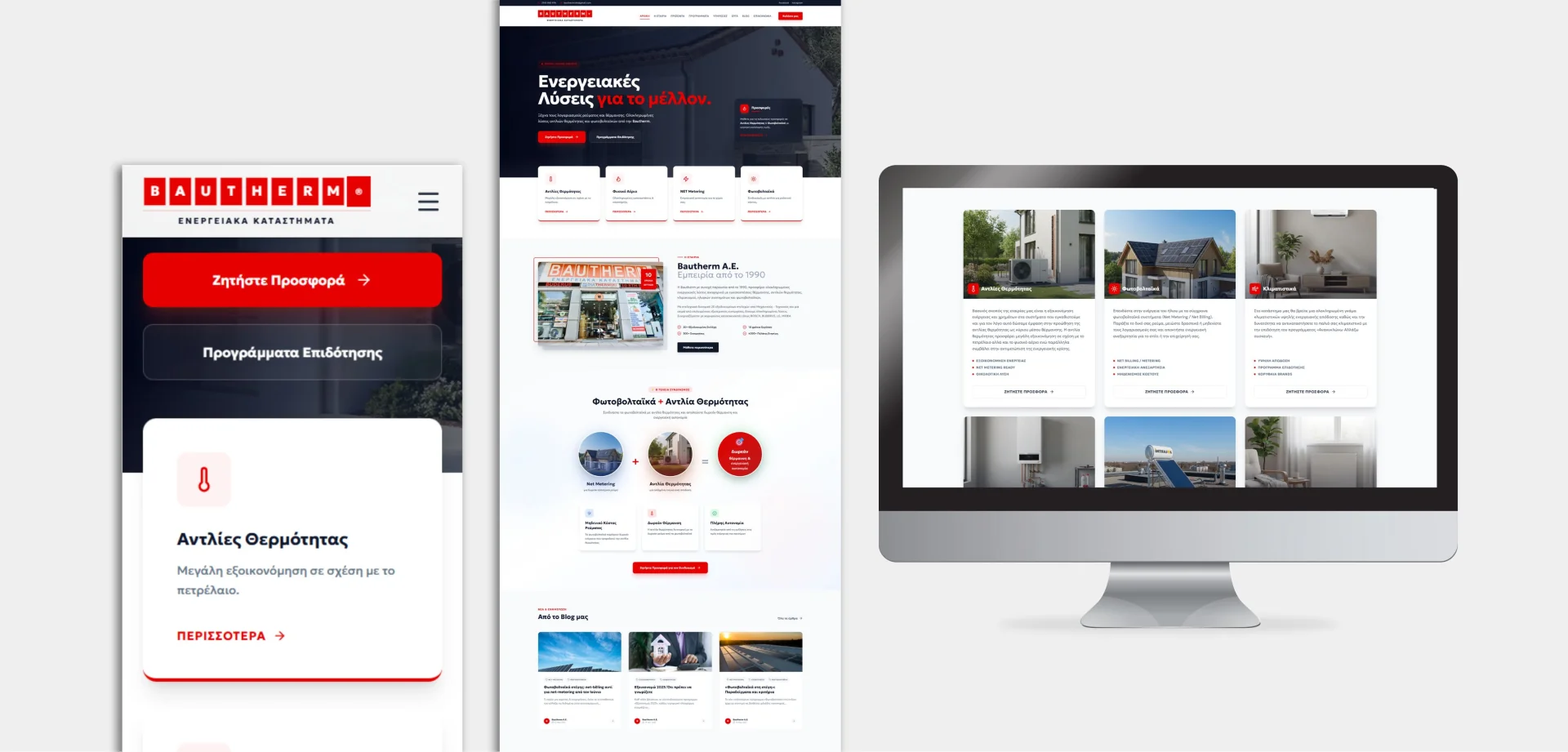
Bautherm: enquiries connected to a working pipeline
Our Bautherm project connects the website, lead management and follow-up in a CRM workflow. The principle is simple: keep the request visible to the team, with email helping them respond rather than becoming the only place it exists.
See the Bautherm project Explore our website development servicesClear answers, without the jargon.
01Do I need to rebuild the website?+
Usually not. The issue may be the sender, a changed mailbox or the form's configuration. Diagnose the failure before committing to a redesign.
02Will an SMTP plugin guarantee delivery?+
No. It can provide an authenticated sending route, but the account settings, domain authentication and recipient filtering still matter.
03Can missed enquiries be recovered?+
Sometimes, if the form or CRM saved them. If nothing was stored and no notification reached a mailbox, recovery may not be possible.

Andrew Matia - LineWeb
Founder of LineWeb. I write about the practical side of websites, systems, automation and search: the decisions that make a business easier to run and clearer to find.
Read the founder storyMake sure your next enquiry reaches the team
Send us the form's URL and describe what is missing. We will help identify which step needs attention and define the repair scope.