Back to blog
Lead operations guide

How do you connect Meta Lead Ads to a CRM without losing enquiries?

A lead form can collect an enquiry in seconds. The business still needs to receive it, assign it and know when a connection has stopped working.
October 5, 20266 min readAndrew Matia
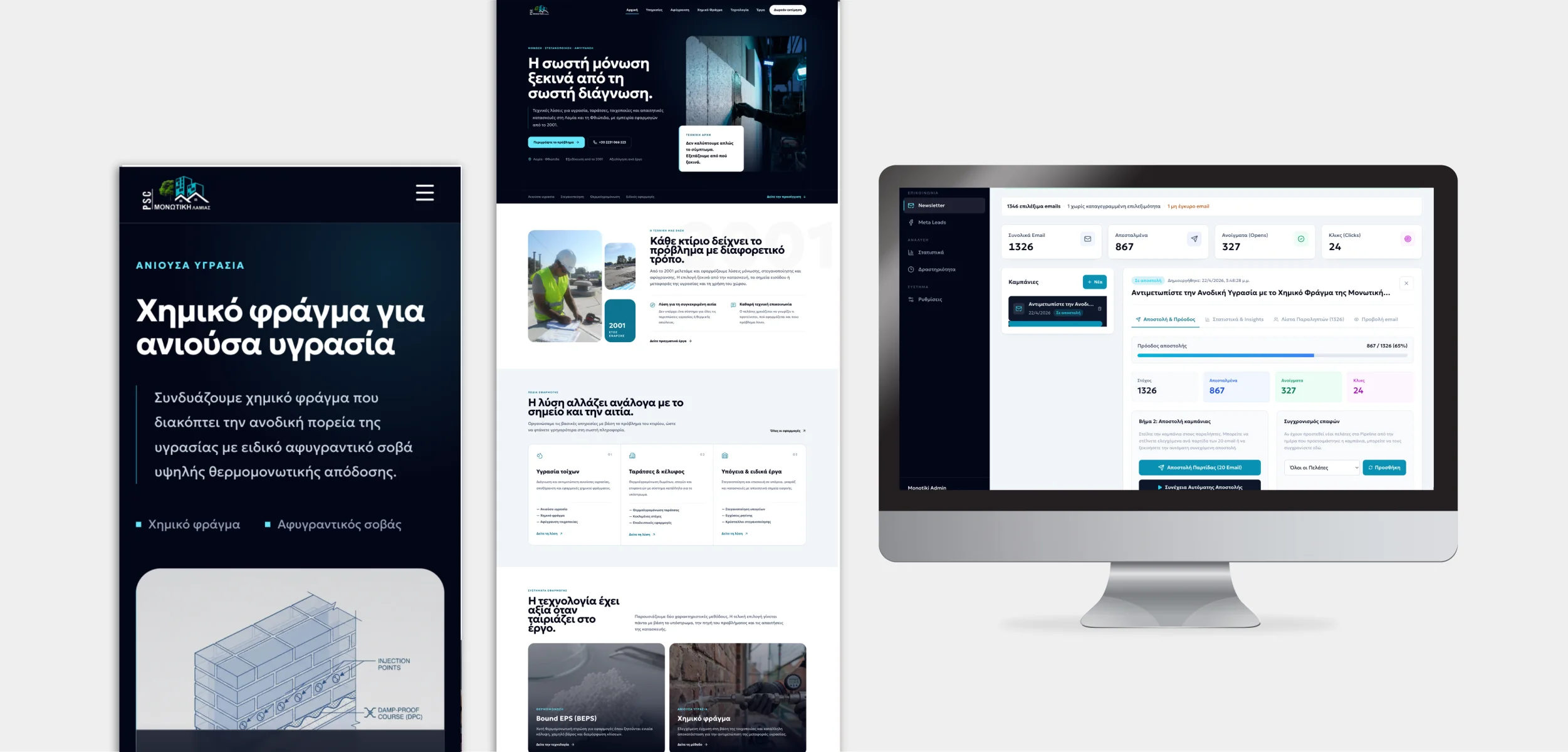
Monotiki Lamias website and connected business administration presented on mobile and desktop
LineWeb Journal / Lead operations guideMonotiki Lamias project presentation by LineWeb

The short answer: connect the Page and its active forms to one accountable CRM workflow, keep the original lead and form identifiers, and check that every submission reaches a person who can act on it. An integration is not complete when the account says Connected. It is complete when a real permitted test appears with the right source, details, owner and next action.

Imagine a service company running Facebook and Instagram forms for several locations. One form reaches a spreadsheet, another reaches an inbox, and the newest form reaches nobody because its Page was never enabled in the CRM. This is an illustrative scenario, not a reported LineWeb client incident. The risk is organisational as much as technical: a paid enquiry has no clear owner.

HubSpot's official lead-sync documentation is a useful example of the checks involved. It distinguishes ad-account connection from Page lead syncing, specifies access requirements and documents ways to investigate missing submissions. Those are HubSpot integration rules, not a guarantee that another CRM behaves identically.

The useful measure is not how many leads an ad reports. It is how many enquiries your team can actually find and follow through.
Practical framework

Check the complete journey, not the connector badge.

Three decisions make a lead-ad integration operationally useful.

01

One destination

Decide where the original enquiry is stored, how it is identified and who can see it. Keep a retrievable source record without creating parallel versions of the same lead.

02

Reliable ownership

Assign the new request by a rule the team understands, with a fallback when a field is missing or a person is unavailable.

03

Visible failure

Compare form submissions with received records, alert on delivery failures and review unresolved enquiries regularly.

Choose the connection

Use the simplest route that supports your real forms

A built-in CRM integration is a good first test, not an automatic final choice.

List the Pages, forms, languages and destinations before connecting anything. A native CRM connector may be enough for a small operation if it preserves form answers, campaign context and an auditable owner. A managed automation service can bridge systems when the destination is simple. A custom integration makes sense when several businesses, forms or approval rules must remain separate and reliable.

Test the account and Page access with the person or system identity that will own the connection over time. HubSpot's current documentation, for example, requires the connected user to have the relevant ad-account, Page and Leads Access permissions. A successful ad-account login alone does not establish that every Page and form is syncing.

HubSpot: lead syncing and access requirements
Map the record

Keep the context that makes a lead actionable

A useful record holds the person's submitted details, the service or product they asked about, the Page and form, the original submission time and a stable source identifier. Map custom questions explicitly; do not assume every form asks for the same fields. Keep the raw answer available for review when a new form changes wording.

Treat consent and communication preferences as separate fields from the sales enquiry. A customer asking for a quote has not automatically requested a newsletter. Limit access to contact data by role, define retention with the business and make correction or deletion possible under the applicable privacy policy.

If the same person submits twice, preserve both enquiry events while showing one coherent contact history. Use a stable submission ID to prevent a retry from creating a second copy of the same event; do not merge two different requests merely because the email matches.

  • Test each active form and each custom question.
  • Keep campaign attribution separate from verified sales outcomes.
  • Route incomplete answers to a review queue instead of dropping them.
Monitor delivery

Reconcile what Meta reports with what the team received

Set a routine comparison between the form or campaign view and the CRM intake for the same dates and forms. The numbers may differ because reporting metrics, attribution and stored contacts answer different questions. Investigate missing submissions by their form and lead identifiers before calling the difference a lost lead.

The receiving workflow should record failures, retry recoverable steps and notify an owner when a connection stops delivering. Keep a controlled export or backup strategy for records the business is authorised to retain. HubSpot's troubleshooting guidance describes permission changes, Page selection and sync settings as possible causes of missing leads in its own integration; use those checks as a diagnostic example, not as a universal explanation.

Before launch, test a permitted submission through to the assigned person's working view, then repeat after changing a form or adding a Page. Do not test with a real customer's details without a lawful basis or create fake production opportunities.

HubSpot: troubleshoot Facebook Page lead syncing
Decide the investment

Pay for a dependable hand-off, not just an API connection

Compare a native connector, a managed automation tool and custom work against the same requirements: number of Pages and forms, mapping, ownership, error visibility, privacy, support and change management. Include recurring software fees and the time someone will spend monitoring the flow. A cheap connection that nobody checks can be expensive when enquiries go unanswered.

Start small if one Page and one team can work from an existing CRM. Build more only when routing, reporting or separation between business units cannot be represented safely. Even a well-built system still needs a person to qualify requests, resolve exceptions and decide what a useful reply looks like.

Public LineWeb work

Monotiki Lamias connects discovery with lead operations

The public Monotiki Lamias case study describes a specialist website connected to campaign intake, CRM pipelines, source context and responsible follow-up. That is delivered LineWeb work. This article does not disclose its private integration rules or claim a measured conversion uplift.

The transferable decision is to design the enquiry journey as one operation: what the customer submits, what the team receives and what happens next. The software should make a missing hand-off visible, not merely draw a line between two logos.

Relevant LineWeb work

See the Monotiki Lamias lead operation

A specialist website and private business system bring campaign and website enquiries into an organised follow-up process. The public case study shows the business-facing capabilities without exposing client-private details.

Explore the case study Explore automation and integrations
Questions people ask

Clear answers, without the jargon.

01Does connecting the ad account automatically sync every lead form?+

No. Confirm the relevant Page, form and lead-access settings in the specific CRM integration, then test each active form. HubSpot documents Page lead syncing as a separate configuration from connecting an ad account.

02Why do Meta results and CRM contacts show different totals?+

They can measure different things: attributed ad results, form submissions, unique people or stored contacts. Compare the same forms and dates, then investigate individual submission identifiers before assuming data was lost.

03Should every new lead receive an automatic message?+

An acknowledgement can be useful when it matches the request and communication permissions. A person should still own qualification, unusual cases and the substantive response.

04When is a custom Meta-to-CRM integration worth building?+

Consider it when multiple Pages, teams, forms or business rules make a standard connector unreliable or hard to audit. For one simple flow, test an existing connector first and include monitoring in either option.

Andrew Matia, founder of LineWeb
Author

Andrew Matia - LineWeb

Founder of LineWeb. I write about the practical side of websites, systems, automation and search: the decisions that make a business easier to run and clearer to find.

Read the founder story
Discuss lead operations

Can your team account for every enquiry from your active forms?

Show us the Pages, forms, current CRM and where follow-up becomes unclear. We can assess whether a connector, a better operating process or a focused custom integration is the sensible next step.

Discuss your lead flow