Moving your online store: what happens to customers and orders?
A better shop should not make returning customers start again or leave your team searching for old orders. Plan the transfer before choosing the new design.
Yes, products, customer records and order history can often move to a new shop. The important part is deciding what transfers, how customers sign in and where staff find past purchases. A planned migration gives you a better store without treating your business history as disposable.
A new platform should move the business forward, not reset it.
Keep the information your shop relies on
Agree these three parts of the transfer before development begins.
Catalogue and variants
Carry over product codes, options, images and categories. Check that prices and stock still match what customers can actually buy.
Customers and purchases
Match each customer to the right orders and addresses. Preserve newsletter preferences and agree which history customers and staff can access.
Working connections
Review payments, shipping, accounting and marketing tools. Reconnect only what the new shop needs, with clear ownership when something needs attention.
Make the first login straightforward
A customer record and a working login are different things. Check password compatibility before launch and plan a secure reset or invitation where needed. A returning shopper should know how to sign in and find a previous purchase without asking your team for help at every step.
Move the latest orders, not last week's export
A shop keeps changing while its replacement is being built. Plan the final transfer of new orders, stock and registrations. Run a trial import, check record counts and test purchases with your team. Keep a recovery copy and preserve important product links. Budget for data cleanup, reconnections and launch support, not just new screens.
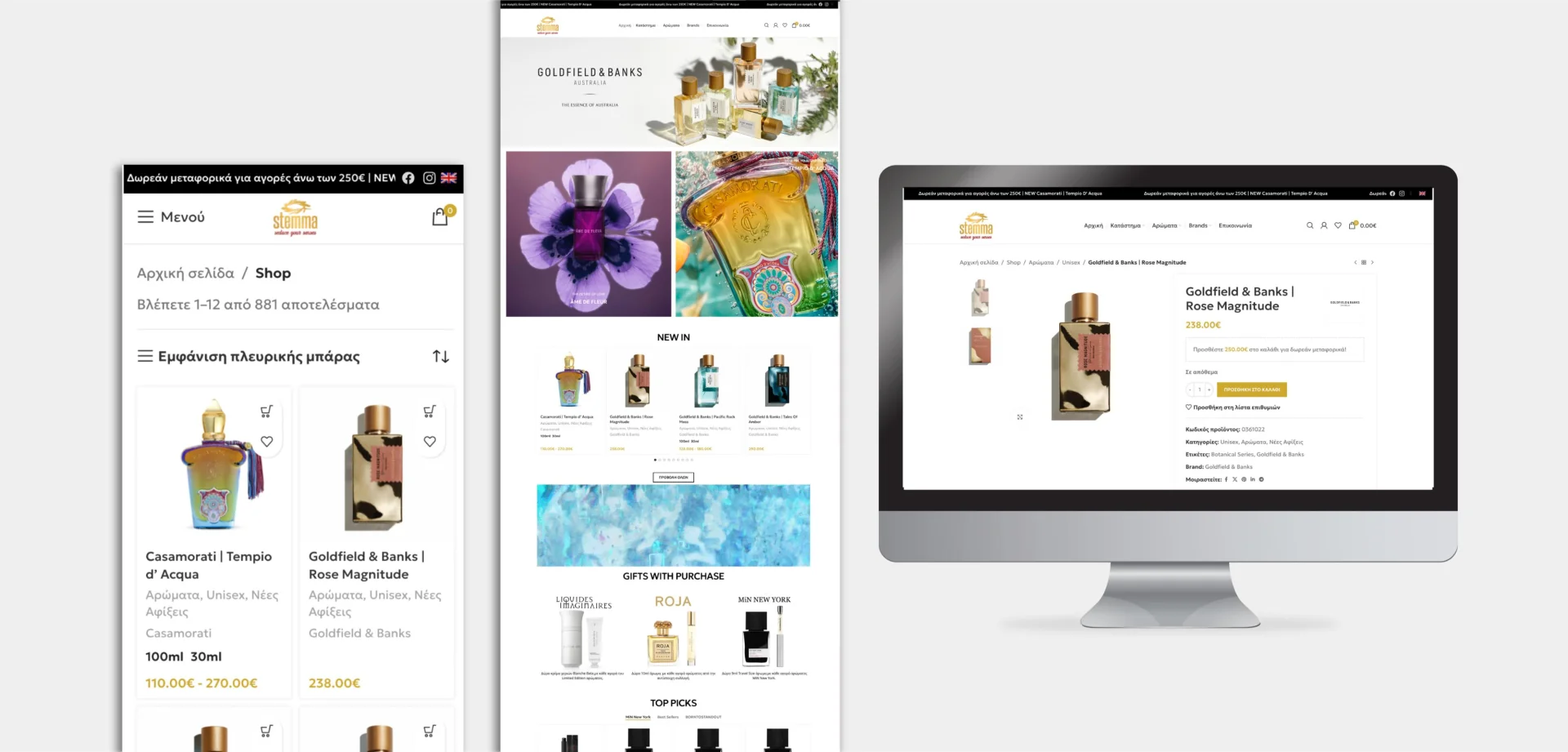
Stemma Cosmetics: a rebuild around the shopping experience
For Stemma Cosmetics, we rebuilt the shop around performance, custom commerce features and a clearer shopping flow. That means looking at the customer experience and the team's daily work together.
Explore Stemma Cosmetics Explore our ecommerce development servicesClear answers, without the jargon.
01Will customers keep their existing passwords?+
Sometimes, but not automatically. Check compatibility before committing to a platform. Where passwords cannot move safely, plan a simple reset or invitation.
02Does importing customers also import their orders?+
Not necessarily. Customer details and order history may need separate transfers. Agree how they are linked and where staff can access older records.
03Must every old order appear in the new shop?+
No. You can transfer the history people need day to day and keep older records in a secure, accessible archive. Decide this with your operations and accounting teams.

Andrew Matia - LineWeb
Founder of LineWeb. I write about the practical side of websites, systems, automation and search: the decisions that make a business easier to run and clearer to find.
Read the founder storyReady to move, without starting over?
Tell us which platform you use and what your team needs to keep. We will help define the transfer, the new shopping experience and a clear launch scope.